 HQ Arcade
 Slide Tap
Tap to navigate your slides from your wrist with quiet buzzes.
- Free to use
- No ads
What it does
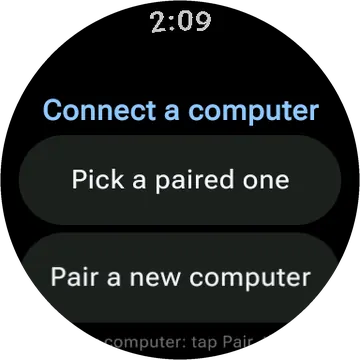
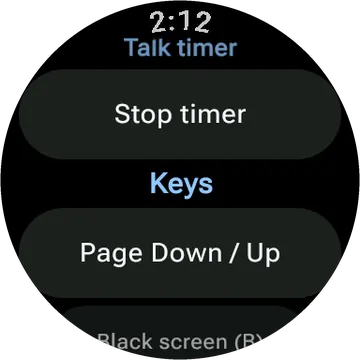
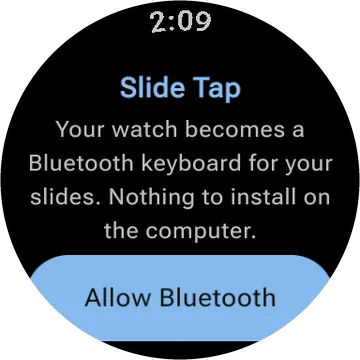
Slide Tap turns your Wear OS watch into a presentation remote, allowing you to navigate your slides with taps on the watch face. You can also use the crown to move forward or backward. The app works with any slide program that takes Page Down and Page Up, or arrow keys if you switch. The watch will even remind you when your time is running low with a gentle tap on your wrist.
- Tap the right side for the next slide, the left side to go back, or turn the crown.
- Works with any slide program that takes Page Down and Page Up, or arrow keys if you switch.
- Pair once. Opening the app reconnects to the computer you used last.
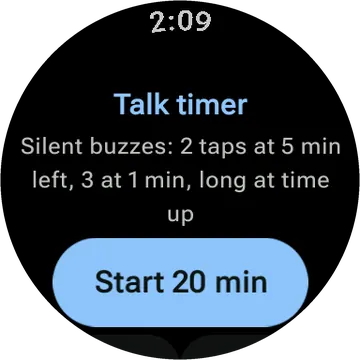
- A talk timer taps your wrist at 5 minutes left, at 1 minute, and at time up, with the screen off.
- Two-finger and palm touches are ignored, and Lock leaves only the crown working.
- If a slide fails to send, the watch buzzes twice and says so.
- No accounts, no ads, and no network permission.
Questions
- Is Slide Tap free?
- Yes. It is free, with no ads and no account.
- What do I need to use Slide Tap?
- A smartwatch running Wear OS.
- Does Slide Tap collect my data?
- No. The watch apps have no accounts, no ads and no analytics. The privacy policy has the details.
- Is Slide Tap on Google Play?
- Not yet. It is in testing. This page will link to Google Play once it is public.
Privacy policy for Slide Tap and the other watch apps