 HQ Arcade
 Charge Up
Tap anywhere to charge your battery and keep it in the green zone. Collect power-ups for extra points and protection.
- $0.99 this game
- $3.99 all five in Starter Five
- Free if it is your free pick
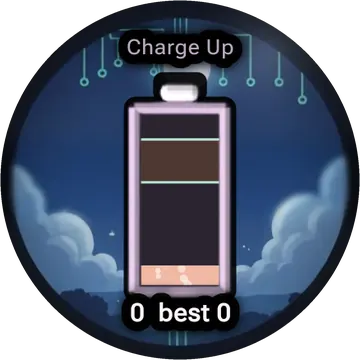
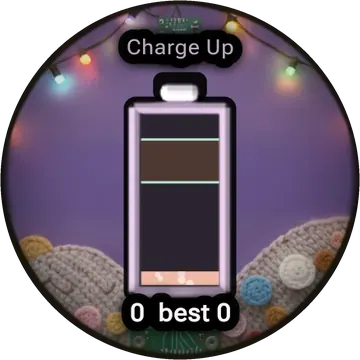
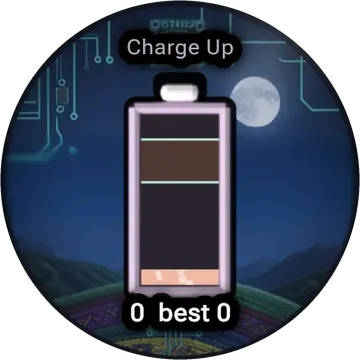
How to play
- The battery drains all the time. Tap anywhere to charge it up a bit.
- Keep the level between the two green lines. You get 1 point for every second in the zone.
- Orbs show up beside the battery. Move the level onto a green orb for +2 points and a help (slower drain, wider zone, or a fuse that saves you once).
- Red orbs hurt: faster drain, bigger jumps per tap, or a smaller zone. Steer around them.
- The game ends if the battery hits empty ("Flat!") or full ("Overcharged!").
Tips
- Tap a little, often. Big bursts overshoot the top.
- From level 3 the zone jumps; a yellow outline shows where it will go next.
Also in Set A: Starter Five
Questions
- How much does Charge Up cost?
- $0.99 on its own, $3.99 for all five games in Starter Five, or free if you choose it as your one free game.
- How do you play Charge Up?
- The battery drains all the time. Tap anywhere to charge it up a bit. Keep the level between the two green lines. You get 1 point for every second in the zone. Orbs show up beside the battery. Move the level onto a green orb for +2 points and a help (slower drain, wider zone, or a fuse that saves you once).
- What watch do I need for Charge Up?
- A smartwatch running Wear OS. Charge Up is made for round screens and comes in the HQ Arcade: Watch Games app.
- Is Charge Up on Google Play?
- Not yet. It is coming soon to Google Play in the HQ Arcade: Watch Games app.
Part of HQ Arcade: Watch Games for Wear OS watches.